
The 5 TurnKey Appliances I’d Deploy This Weekend (and Why)
The prebuilt Proxmox templates I'd use first to learn, test, and build my next home lab project

One of the things I enjoy most about having a home lab is trying new software. The problem is that there are only so many hours in the day. If every new application requires installing packages, configuring services, troubleshooting dependencies, and reading through pages of docs they have before I can even log in, I end up trying far fewer projects that I would otherwise be able to.
That’s why I’ve started appreciating TurnKey Linux appliances much more than I used to. You may not realize, but Proxmox has over 100 appliances available. There are a handful that immediately jumped out at me as tools I would actually deploy this weekend if I wanted to learn something new or solve a problem. Here are five that I recommend.
WireGuard
WireGuard would probably be the first appliance I’d deploy if I wanted to test something requiring connecting remote devices together or stand up a new VPN connection
I’ve written quite a bit about WireGuard over the years because it’s become my preferred VPN technology for connecting home labs, remote locations, and even individual devices. You can’t beat its performance as it uses UDP on the backend. It is simple and lightweight.
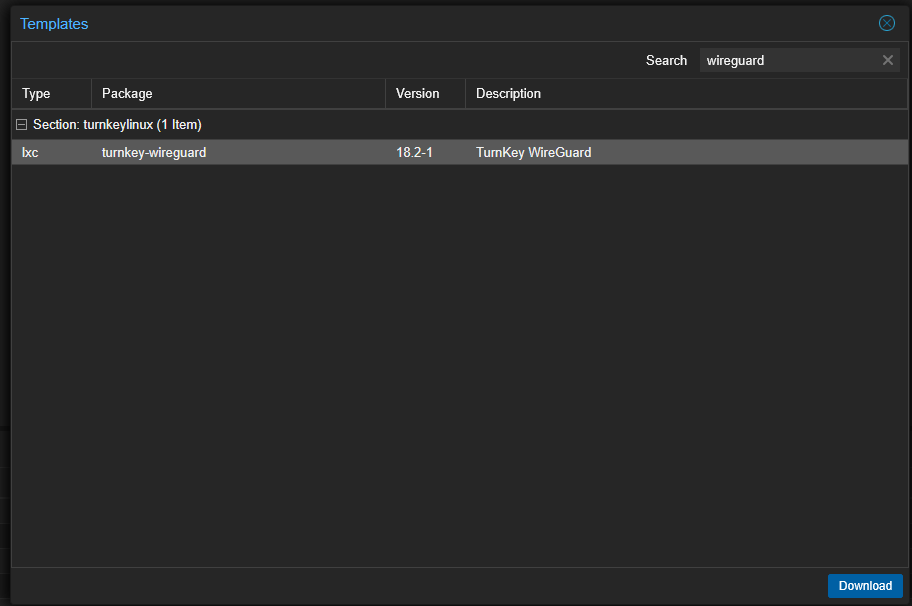
Being able to deploy a preconfigured WireGuard appliance means I can spend my time experimenting with tunnels, routing, and firewall rules instead of manually installing packages and building everything from scratch.
Gitea
Every serious home lab eventually reaches the point where Git is required. It doesn’t matter if you’re storing Docker Compose files, Ansible playbooks, Kubernetes manifests, or automation scripts, git repos allow you to have all the features we need like change control, rollbacks, auditing, documentation, etc.
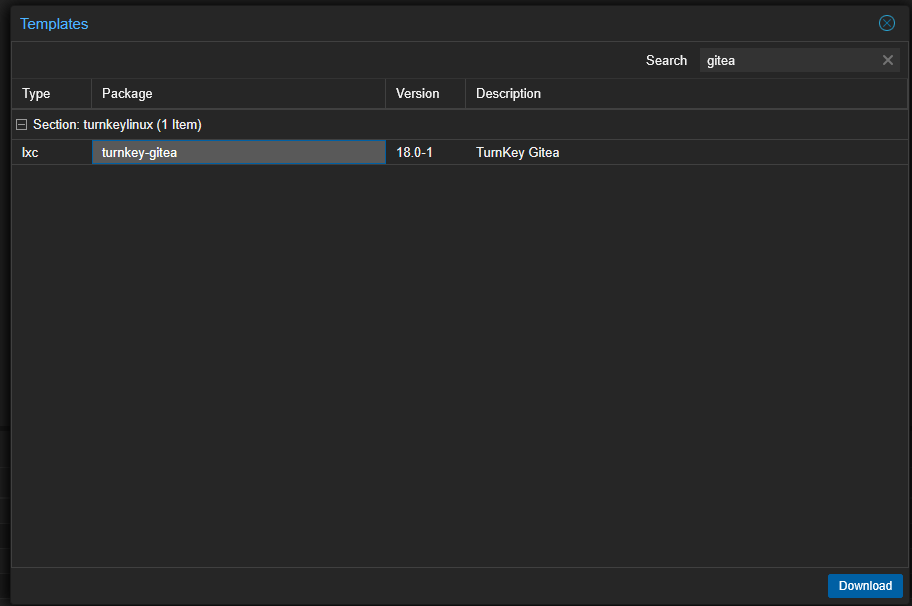
Gitea is one of my favorite self-hosted Git platforms because it’s lightweight, fast, and incredibly easy to use.
File Server
This one may actually be the most underrated appliance in the entire catalog. There are tons of situations where I need temporary shared storage.
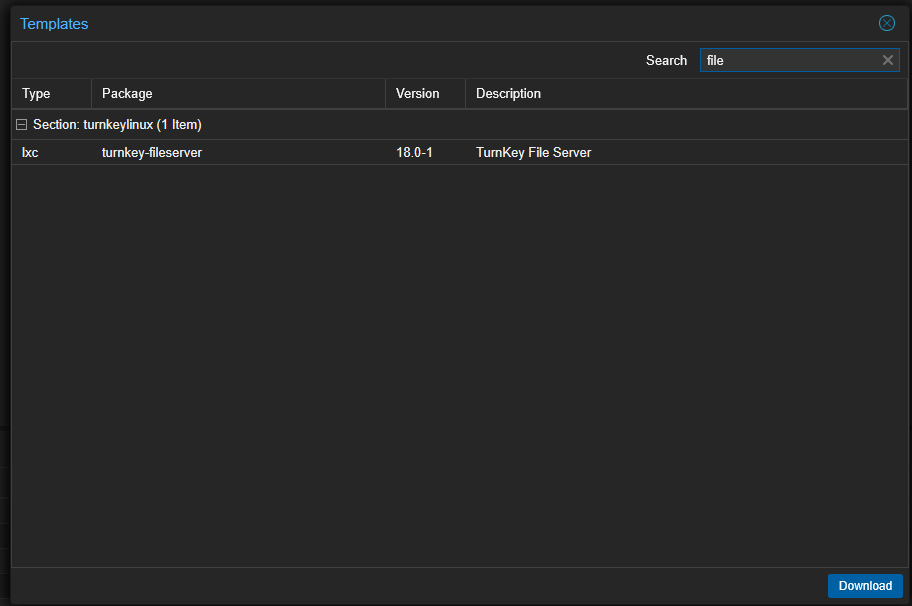
Sometimes I’m moving files between virtual machines. Other times I’m testing backup software, collecting log files, or staging ISO images for a project. So, next time, instead of spending time configuring Samba manually, just deploy the file server turnkey appliance and be done.
Nextcloud
Nextcloud has been one of the most popular self-hosted applications for years, and for good reason. It gives you file synchronization, document collaboration, calendars, contacts, and many other cloud type features and you don’t have to depend on third-party cloud providers.
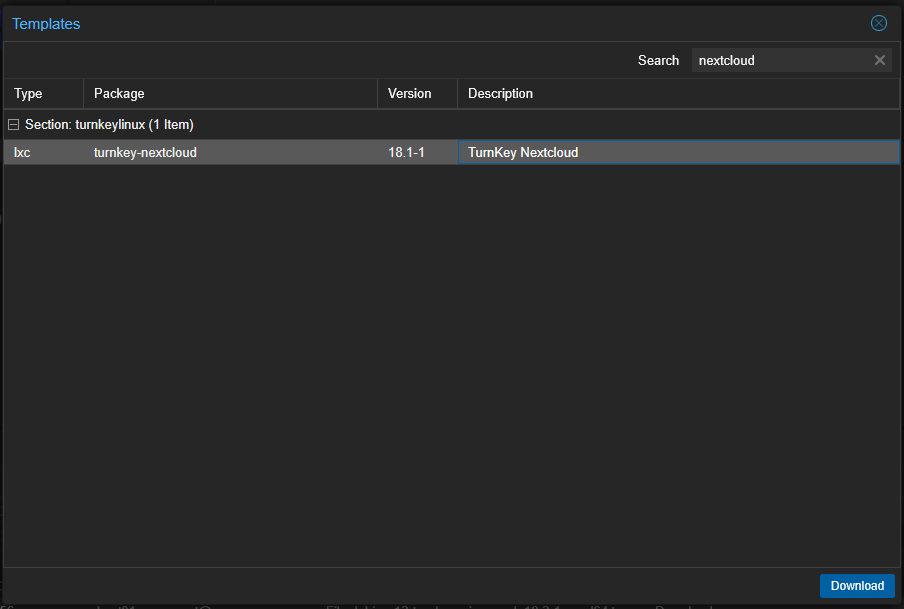
The TurnKey appliance removes much of the initial work standing it up so you can focus on learning how Nextcloud actually works before worrying about optimizing or customizing the deployment.
Ansible
Automation has completely changed how I manage my home lab. Whenever I find myself repeating the same task across multiple servers, I immediately start thinking about whether Ansible can do the job for me.
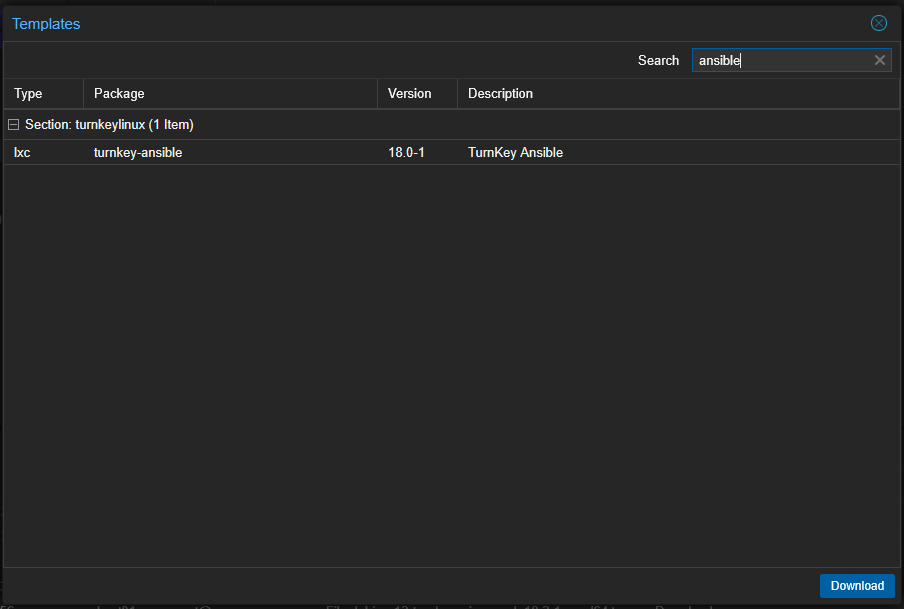
Having an appliance dedicated to Ansible makes it super easy to begin experimenting with inventories, playbooks, and automation workflows without first building an automation server yourself.
Why these five stood out
Instead of spending your first hour installing software, you spend your first hour actually learning the software. For me, that’s the biggest benefit of TurnKey appliances. They let me start learning new technologies much faster. If I decide an application deserves a permanent place in my home lab, I can always rebuild it later using Docker Compose, Kubernetes, or whatever deployment method makes the most sense for the long term in the home lab.
Check out my full article here where I explore even more of the turnkey appliances that you can find in Proxmox: https://www.virtualizationhowto.com/2026/07/the-hidden-proxmox-feature-that-includes-100-turnkey-linux-appliances/